What is “Skip the Month” and how do I skip?
Last updated:
Each month between the 1st and the 5th, you have the opportunity to explore our new collections and bundles. To avoid being charged the monthly membership fee and receiving a promotional VIP Credit, you can choose to skip the month.
Because you can only skip one month at a time, you must be logged into your account to see and use the “Skip the Month” button. If you cannot find the button, please double-check that you are signed in.
On the Website (Desktop & Mobile Browser):
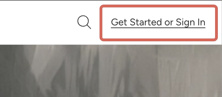
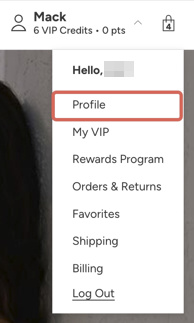
- Click and go to your Account Profile page. (Note: If you are not logged in yet, this link will automatically direct you to the login page first).
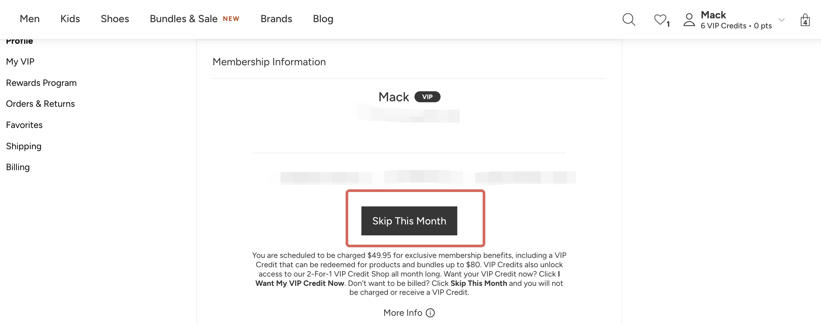
- Once logged in, you will see the “Skip the Month” button on this page. Follow the prompts to successfully skip.
Note: On the website, after selecting “Skip the Month,” you may see additional on-screen steps before the process is complete. Follow the prompts shown to finish.
You can also call our customer service number at +1 888 970 8966 (available 24 hours, 7 days a week) to skip the month.
Missed the skip window?
If you missed the 1st–5th skip window and have already been charged for the current month, but would still like to request a refund for this month’s membership fee or completely cancel your membership (to prevent future charges), please contact our customer service team via Chat or Phone. We are always here to help and will do our best to assist you!
Was this article helpful?